A compass.
A bearing.
Your phone.
Check which way something faces, or aim the top of your phone toward a target. Fieldeng shows a heading and aiming elevation you can capture and keep.
Try Compass in the Android testClosed test available now. Public launch coming to Google Play.
Core tools work offline. No account required in the app.
Direction.
Elevation.
One capture.
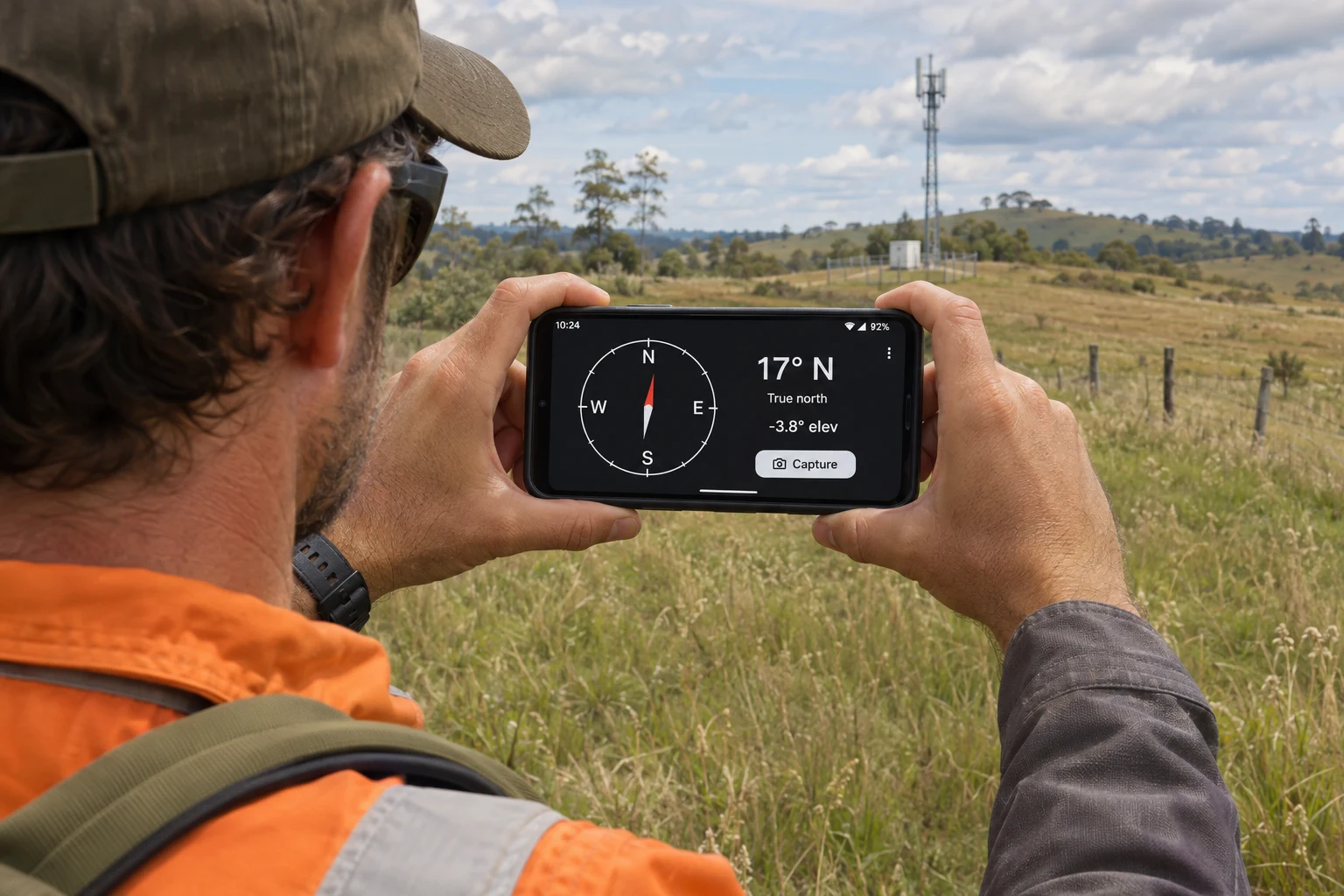
Checking which way a site faces? Point the top of your phone along that direction. Aiming toward something higher or lower? The elevation reading adds the angle above or below the horizon.
Capture keeps the heading with its true or magnetic north reference, plus elevation when available. Review before saving.
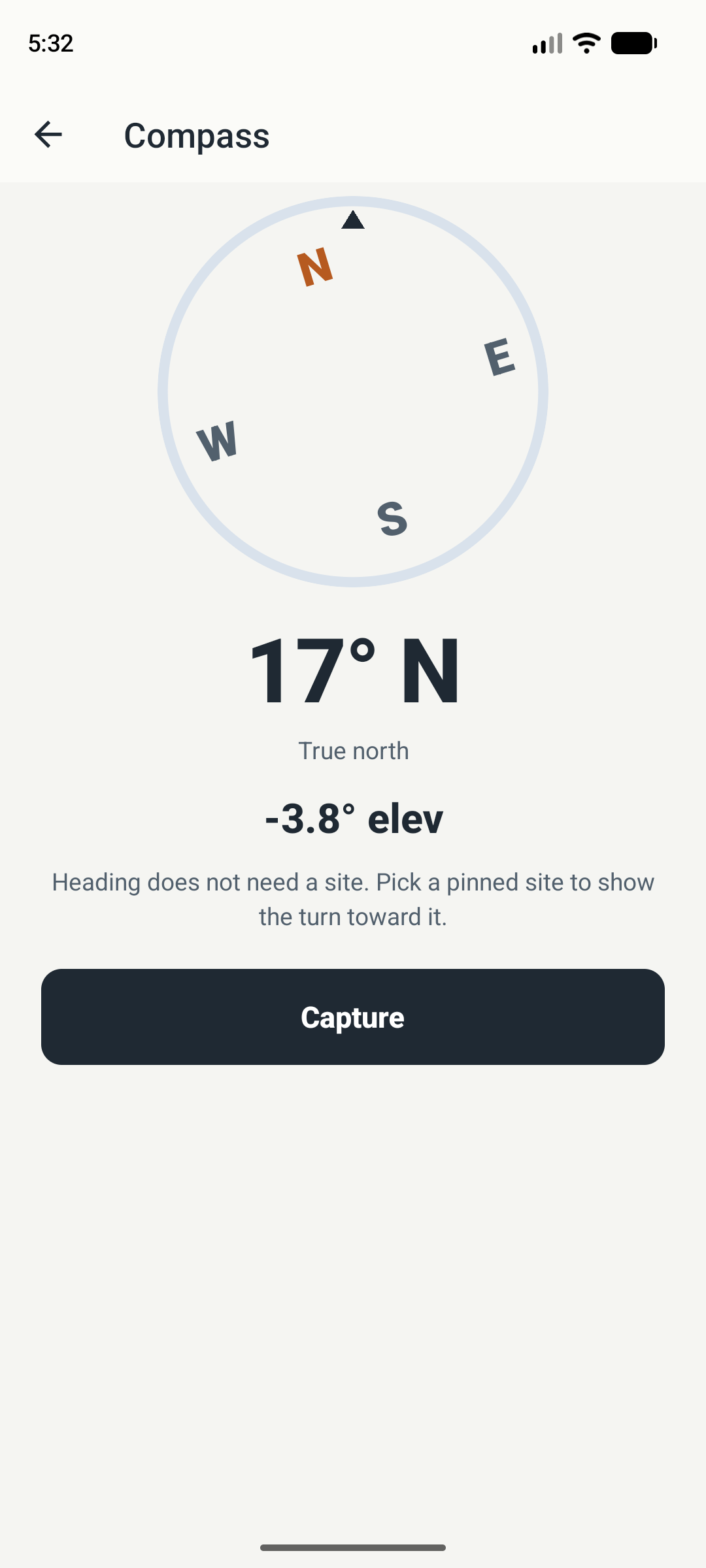
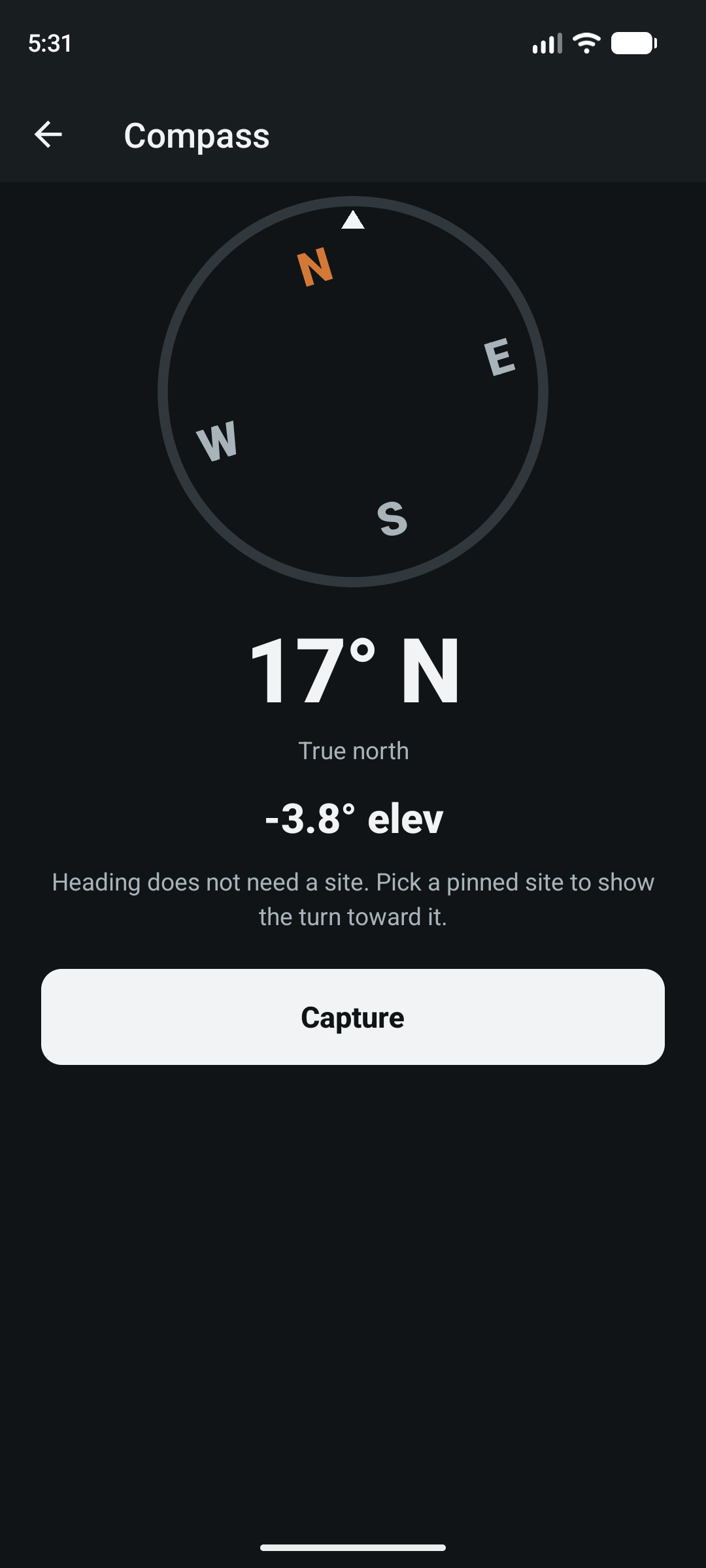
See how to take a readingFieldeng app screens, shown in your selected light or dark theme. Displayed readings illustrate the interface and are not an accuracy test.
Point it.
Read it.
Save it.
- Open Compass. Choose Field → Phone → Compass.
- Point toward your target. Aim the top of the phone in the direction you want to check. Read the heading and elevation above the horizon.
- Check the reading. Note whether the heading is labeled true or magnetic north. Move away from metal and nearby current if they may affect the compass.
- Capture and review. Tap Capture, review the heading and available elevation, then save. A site is not required for a heading.
Which way does it face?
Stand back from a fence, equipment cabinet, or metal structure. Point toward the direction you want to record, then check the north reference before capturing.
Checking an angle as well?
Use Compass for direction and aiming elevation. For a shelf, post, or sloping surface, Level includes dedicated level, plumb, and slope modes.
Explore the Level toolKnow what
you’re reading.
A heading describes direction around the horizon. Aiming elevation describes the angle of the top of the phone above or below the horizon.
- Heading
- Read the direction in degrees and capture it with its north reference. A heading does not need a saved site.
- True or magnetic north
- Fieldeng labels the reference supplied by the device. Check that label before comparing a reading with a map or another bearing; true and magnetic north are not always the same.
- Aiming elevation
- Point the top of the phone at a target to see its angle above or below the horizon. When available, elevation is included with the captured heading.
- Selected site
- With a pinned site selected, the compass can show a tick toward it. The heading itself remains available without a site.
A useful direction.
Know its limits.
A phone compass is a practical check, not a survey instrument. Sensor quality, calibration, and magnetic interference affect the result.
- Metal, magnets, and nearby electrical current can pull the heading. Move away from interference and compare with a known reference.
- If Compass asks for calibration, move the phone in a figure eight. Low accuracy prompts a warning before capture; calibration does not remove every source of error.
- Keep the same phone orientation and north reference when comparing readings. Displayed degrees do not guarantee accuracy.
- Use suitable calibrated equipment when safety, navigation, survey tolerances, or specified work require it.
Before you try it.
Does Compass work offline?
Compass uses the phone’s sensors and core saved records work offline. No account is required in the app. Google Play test enrollment and installation need an internet connection and a Google account.
Does Compass show true north or magnetic north?
The screen labels the heading as true or magnetic north according to the device’s available heading. Check the label before comparing it with another source.
Why does the heading look wrong?
Nearby metal, magnets, or electrical current can interfere. Move away from them, follow any calibration prompt, and compare with a known reference. Phone sensors and local conditions affect accuracy.
What does elevation mean here?
It is the aiming angle of the top of the phone relative to the horizon, not your height above sea level.
How do I get it?
Follow the Android closed-test instructions for group membership, Google Play enrollment, and installation. Public launch is coming to Google Play as a one-time purchase, with no subscription or ads. Regional price will be shown at launch.

Find your
direction.
Try Compass.
Keep the reading when it matters.
Android closed test · Public launch coming to Google Play