A sensor.
A signal.
Your phone.
Is that Bluetooth sensor advertising? Can your phone still hear it from the next room? Fieldeng scans nearby Bluetooth Low Energy devices and lets you sample their received signal strength.
Try BLE in the Android testAndroid closed test available now.
No account required in the app. Bluetooth access required.
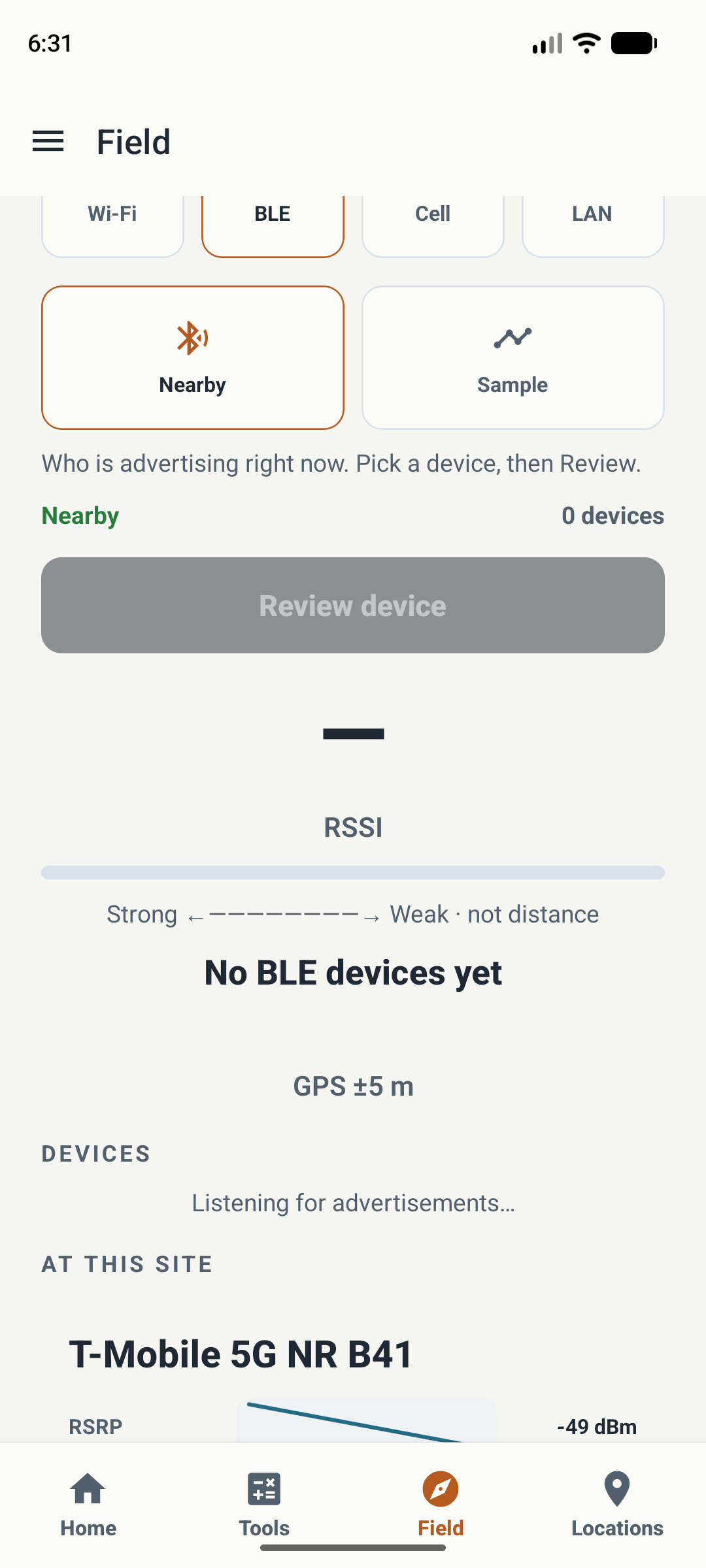
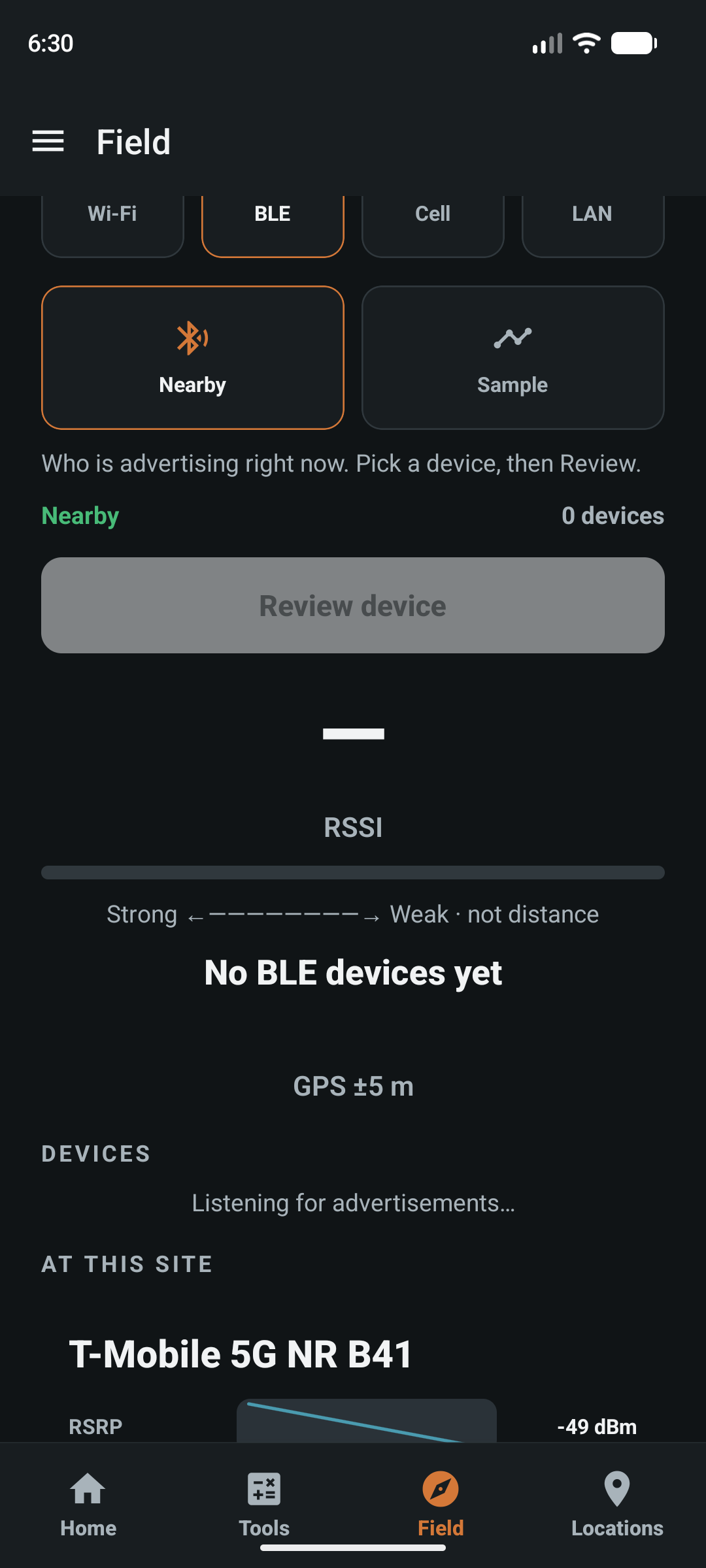
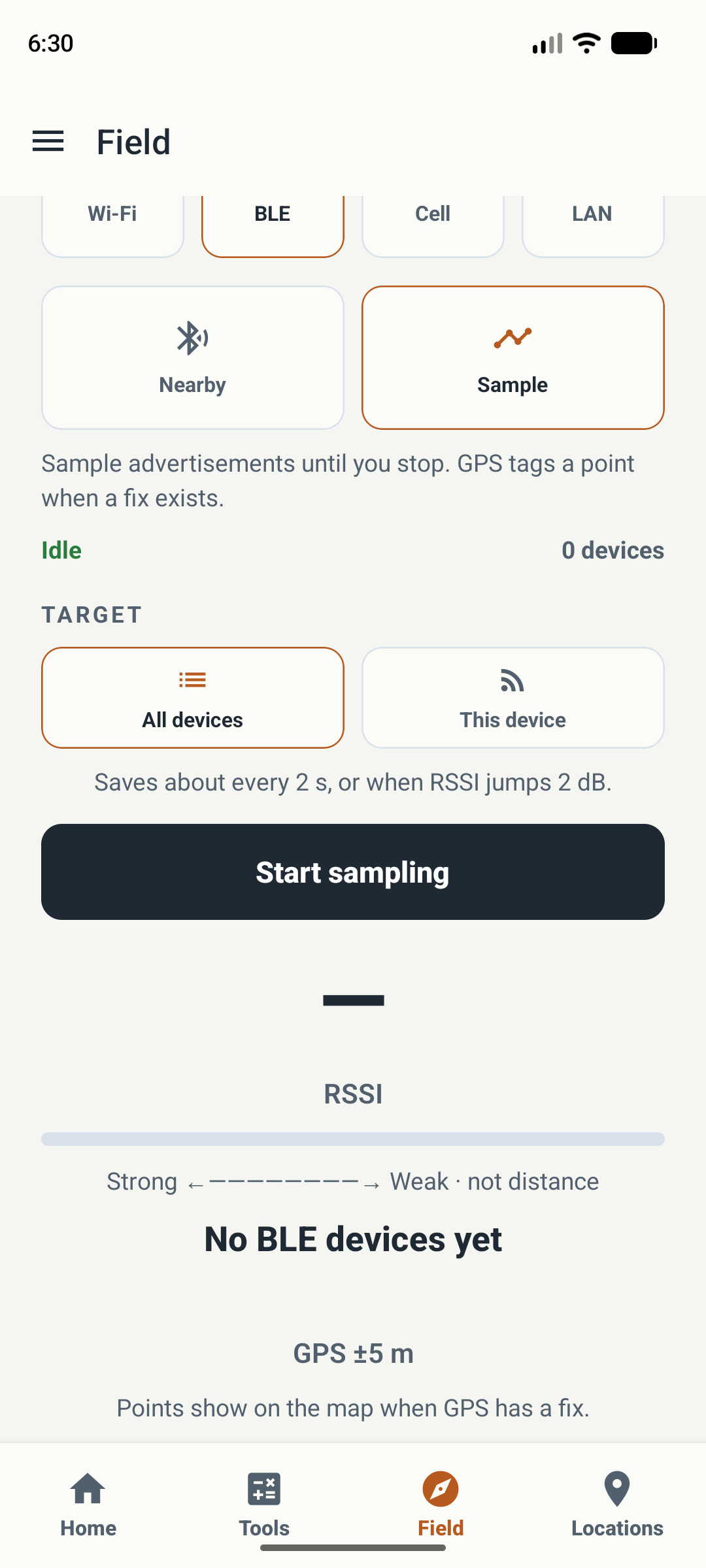
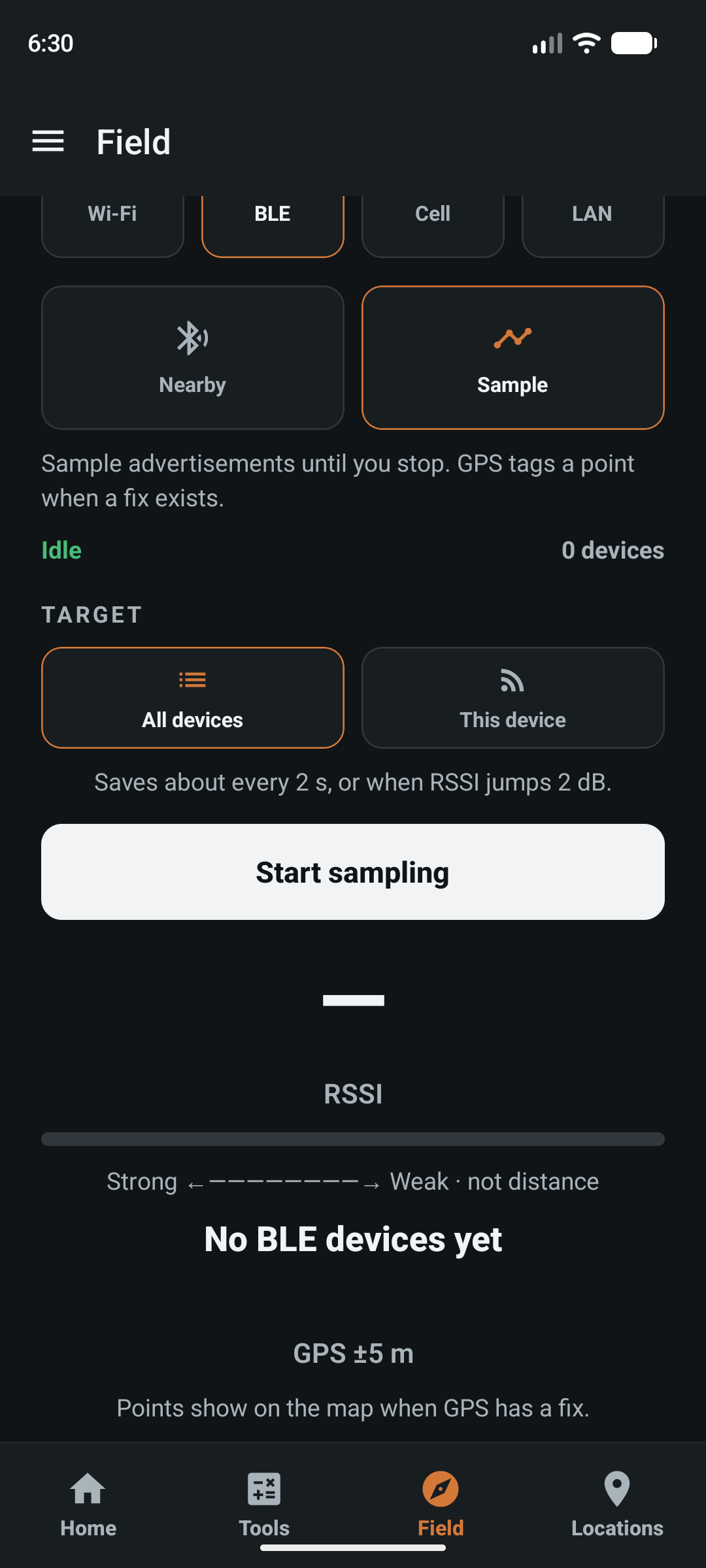
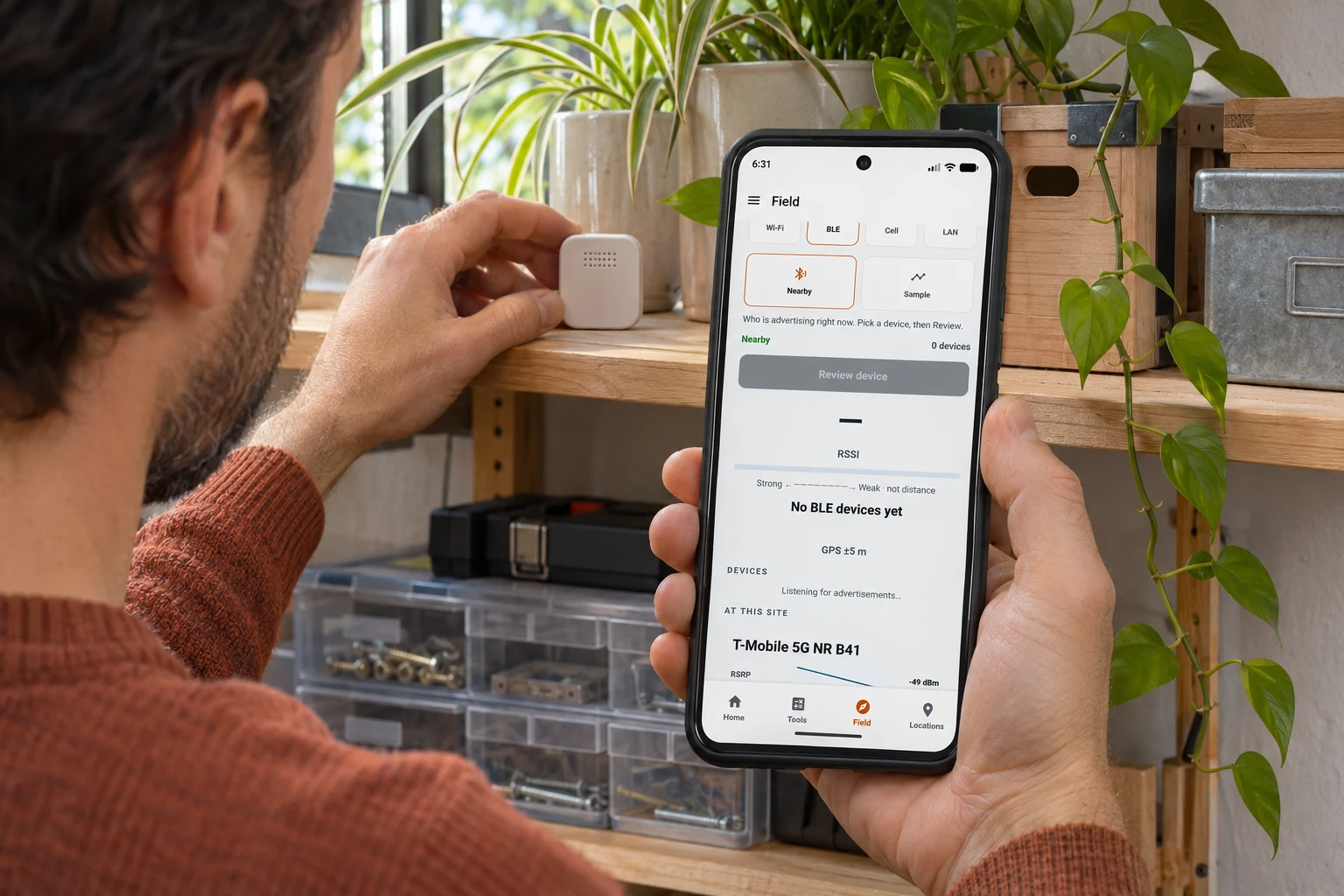
Actual app screens captured on a Pixel 8 Android emulator in light and dark themes. No advertising BLE devices were detected during capture, so these screens show the empty state and sampling controls. GPS values are demonstration data. No successful sensor detection or signal measurement is implied.
A useful check.
At home or
on a site.
Start with a device you know should advertise over BLE. The first question is whether its broadcast reaches this phone.
- A home sensor
- Checking a BLE temperature or humidity sensor on a shelf? Look for its advertisement near the sensor, then compare observations at another position. Fieldeng checks visibility and signal; use the sensor’s own app for its readings and settings.
- An equipment beacon
- During an equipment check, confirm whether an expected beacon is visible from the inspection point. Keep an observation with the relevant site or asset so the next visit has context.
- A placement comparison
- Sample the same device from two practical positions. Keep phone orientation and setup consistent. Compare received signal rather than treating one dBm value as an exact range.
Find the broadcast.
Pick the device.
Take a sample.
- Open BLE. On Field, choose BLE. Allow Bluetooth access and follow any radio or location-services prompt.
- Look in Nearby. Make sure the sensor or beacon is awake and advertising. Select the device you intend to observe, using its available name and details to help identify it.
- Review or sample. Review a device for one observation. For a session, choose Sample, then All devices or This device and the target you want.
- Stop when finished. Sampling saves observations as records. Keep the site or asset context when it helps explain the check.
Before moving the whole setup.
If a home sensor seems missing, start nearby. Check whether the phone can see it advertising, then compare at the place you normally use it. This gives you a radio observation to investigate alongside the sensor’s battery, settings, and companion app.
Signal strength.
Keep the context.
RSSI is received signal strength, shown in dBm. A less negative value generally indicates a stronger received signal, under comparable conditions.
- Walls, metal, your body, phone orientation, and the device’s transmit behavior can change RSSI. Use repeated observations rather than one number.
- Signal strength is not distance. Fieldeng’s strong-to-weak indicator does not locate a device in metres or feet.
- A visible advertisement does not prove that pairing, sensor data transfer, or a home automation connection will work.
- Device names may be missing or shared, and identifiers may change. Check the available details before assuming two observations belong to the same physical device.
Before you try it.
Can Fieldeng read temperature or control my smart sensor?
This tool discovers BLE advertisements and records signal observations. It is not a universal sensor reader or controller. Use the device’s companion app for supported measurements, setup, and control.
Can it find any Bluetooth device?
No. The device must advertise over Bluetooth Low Energy and be visible to this phone’s scan. Sleeping devices, devices that are not advertising, and Bluetooth Classic-only devices may not appear.
Does a stronger signal tell me exactly where a device is?
No. RSSI changes with the surroundings and device behavior. It helps compare received signals, but it is not a distance measurement or a directional locator.
What if no devices appear?
Check Bluetooth permission, radio state, and any location-services prompt. Confirm that the target is powered and advertising, then try nearby. No scan result does not prove a device is absent or faulty.
Is this related to Networking?
Both help inspect connections from the phone’s point of view. BLE focuses on nearby low-energy advertisements. Networking covers Wi-Fi, cellular, and LAN checks.
How do I try it?
Join the Android closed test and install Fieldeng. No account is required in the app; Google Play enrollment and installation require internet access and a Google account.

See what’s
in range.
Start with a known device.
Keep what the phone observes.
Android closed test · Public launch coming to Google Play